How to Add an Event from Any Website to Your Calendar
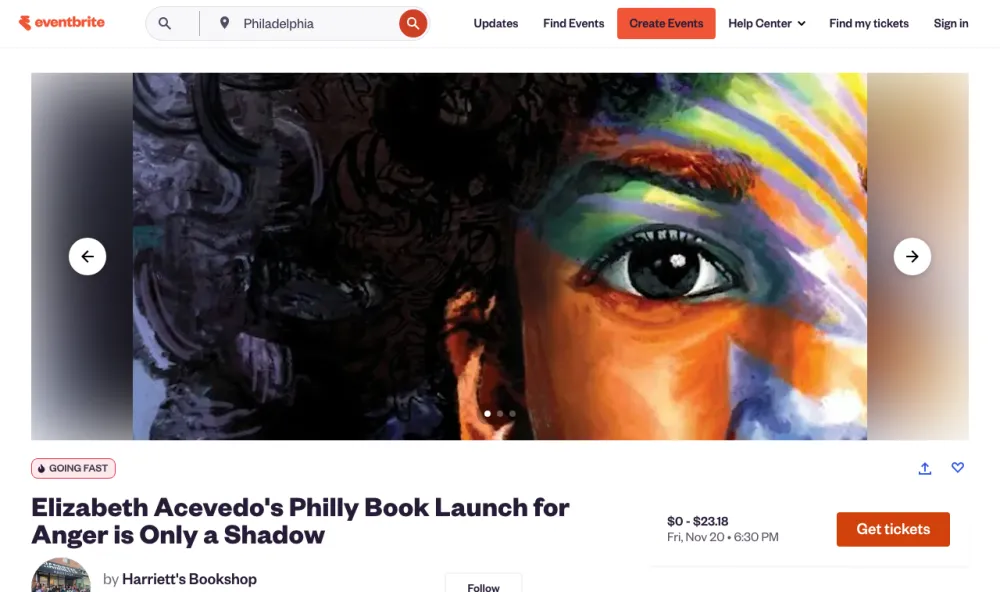
Share an Eventbrite, Luma or venue page link and get the event on your calendar with the date, time and address filled in, plus every date the page lists.
5 min read
Guides for turning flyers, screenshots, and emails into calendar events.
Share an Eventbrite, Luma or venue page link and get the event on your calendar with the date, time and address filled in, plus every date the page lists.
5 min read
Add any calendar feed to Google Calendar, iPhone, Mac or Outlook with its .ics address, sync your Calendar Vision events, and fix calendars that won't update.
5 min read
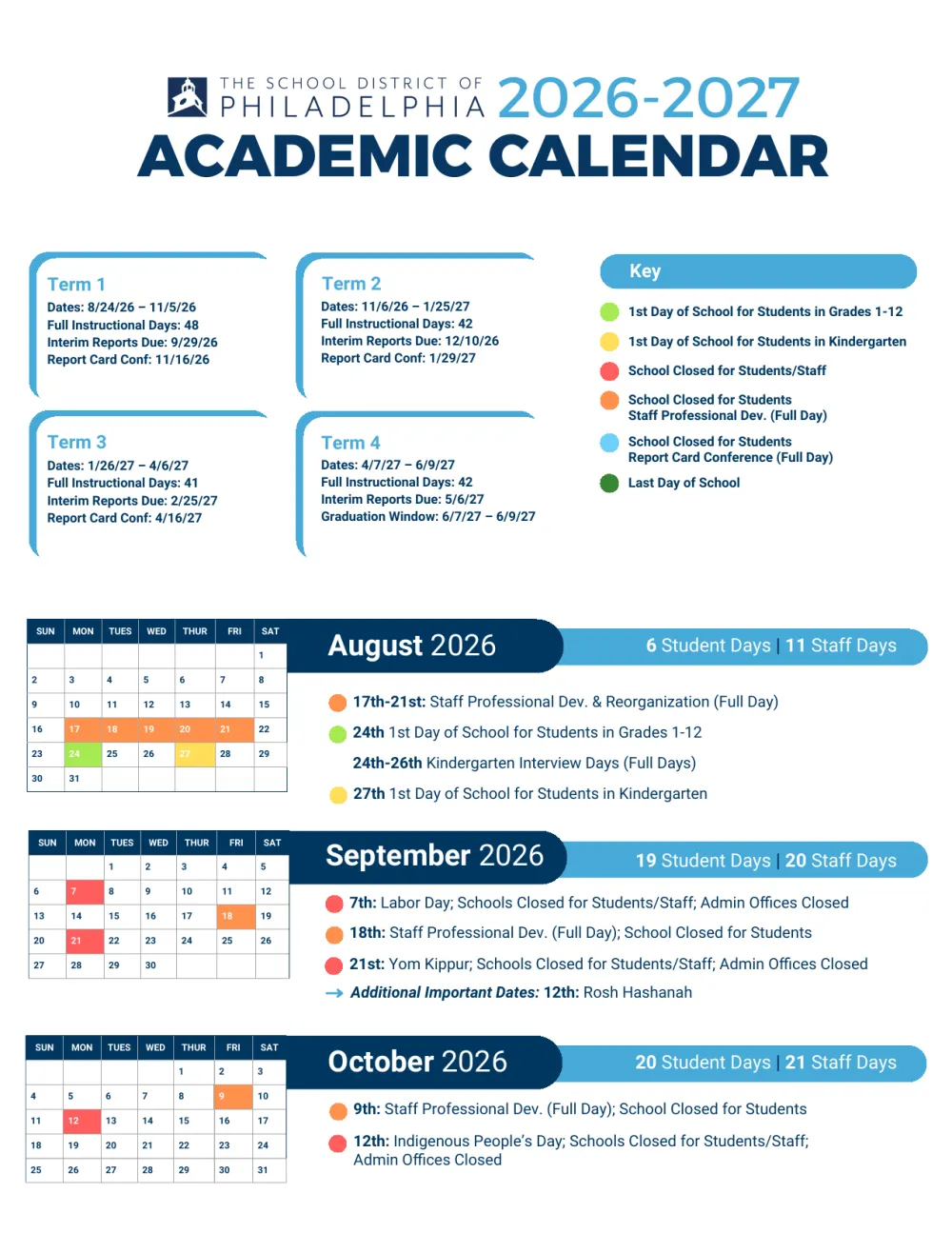
Upload your district's school calendar PDF and get every day off, break, and first and last day as all-day events on your iPhone, Android or Google Calendar.
5 min read
Turn "every Thursday" or "first Tuesday of the month" on a flyer into one repeating calendar event, end date included. See real examples of what works.
5 min read
Never miss a presale. Share the announcement to Calendar Vision and get a calendar event for when tickets go on sale, separate from the show itself.
5 min read
Turn a photo of any flyer, poster, or printed schedule into a calendar event. Step-by-step for iPhone, Android, and the web, plus tips for better results.
5 min read
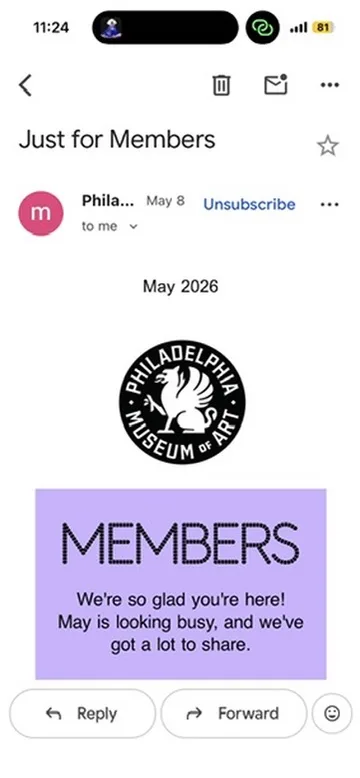
Forward any event email to Calendar Vision and get a ready-to-save calendar event back, with the title, date, time, and location filled in.
3 min read
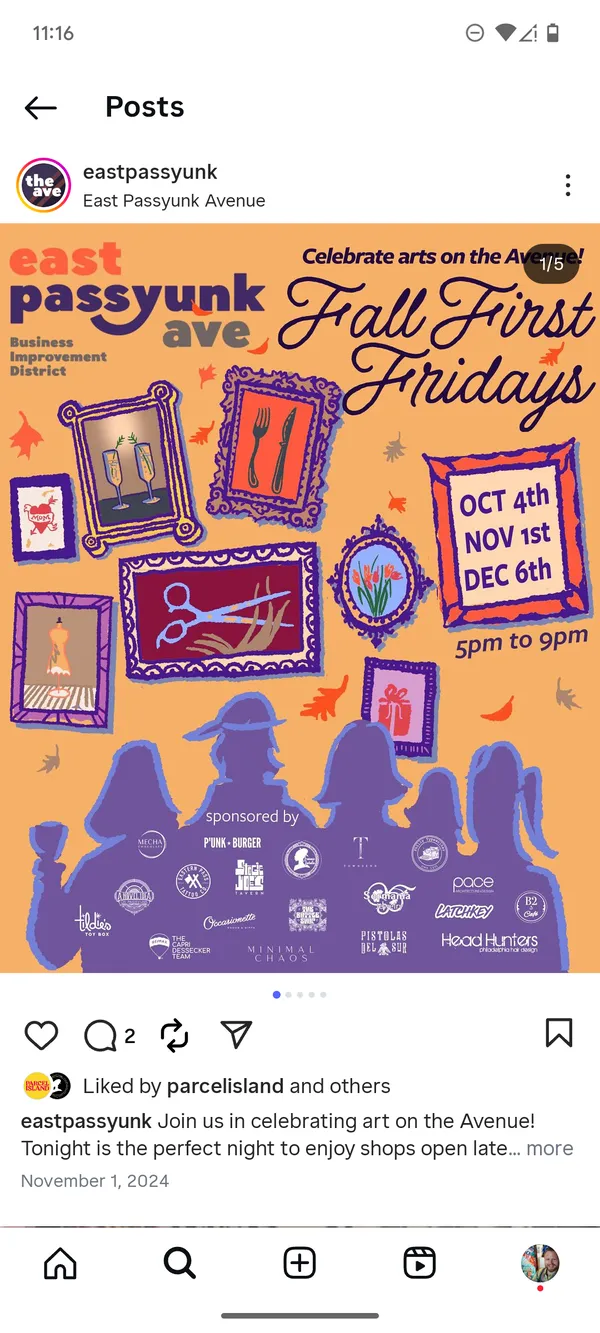
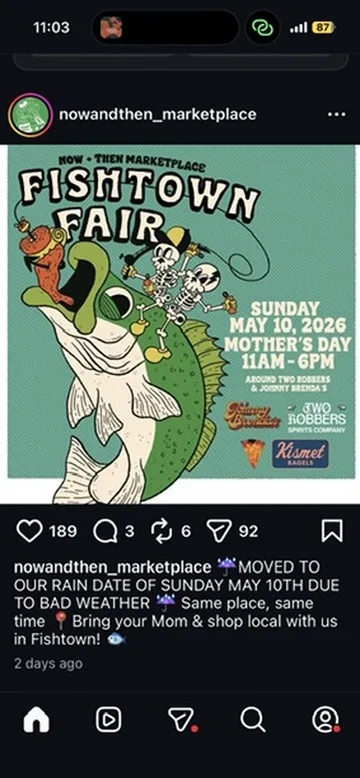
Screenshot an Instagram story for a local event and Calendar Vision turns it into a ready-to-save calendar event with the title, time, and location.
2 min read
iOS Photos can detect dates in images, but it often misses event names and recurrence. See a side-by-side comparison with Calendar Vision.
2 min read