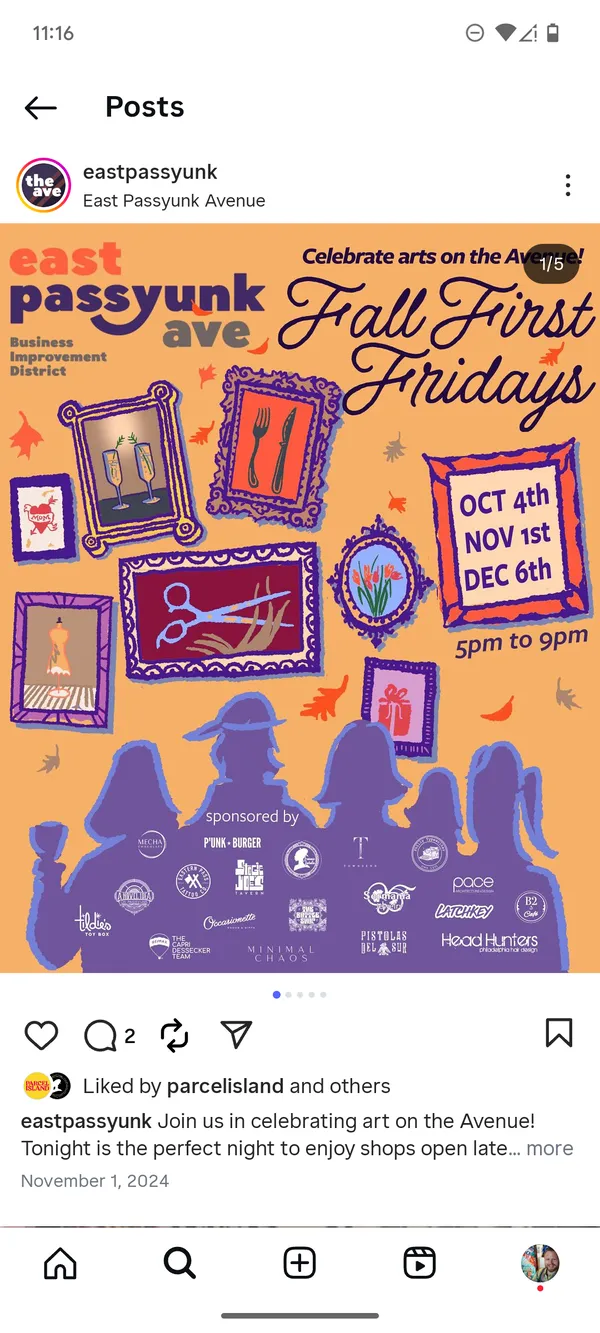
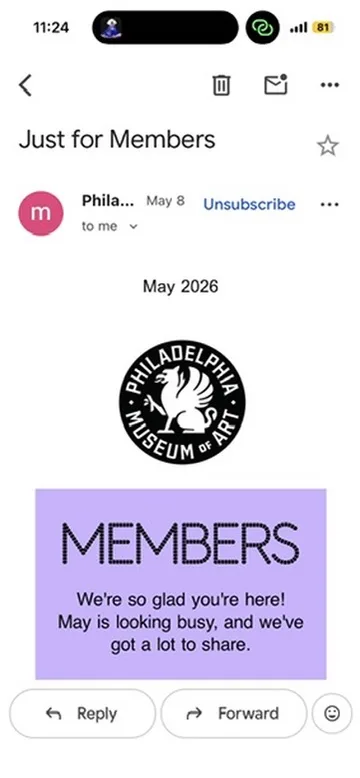
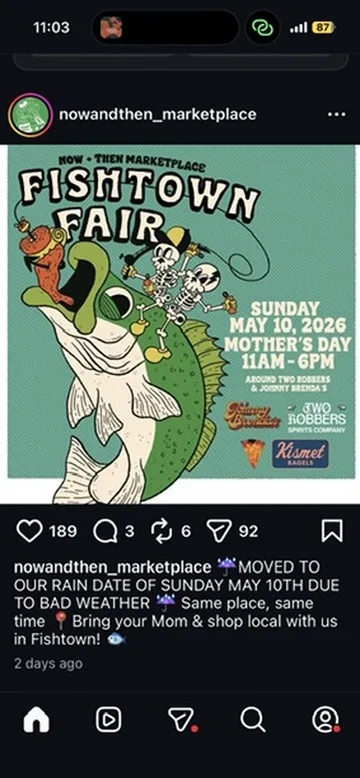
You’re scrolling Instagram and a friend’s story has a flyer for a neighborhood fair this weekend. There’s no link to tap, no copy-pasteable text, and the story disappears in 24 hours. If you don’t capture it now, it’s gone.
The fastest way to save it is a screenshot. Calendar Vision takes that screenshot and gives you a finished calendar event — title, date, time, and location — without any retyping.
Step 1: Screenshot the story
Press the side and volume-up buttons together to capture the story before it expires. You don’t need to crop it or clean it up — the Instagram chrome around the flyer is fine.
Step 2: Share to Calendar Vision
Open the screenshot in Photos, tap the share button, and pick Calendar Vision from the share sheet. (You can also open the app directly and select the screenshot from your camera roll.) That’s the whole hand-off.
Step 3: Review the extracted event
Calendar Vision reads the flyer the way a person would: it pulls the event name, the date and time, and the address — even though all of that was rendered as part of a graphic with stylized fonts and overlays.
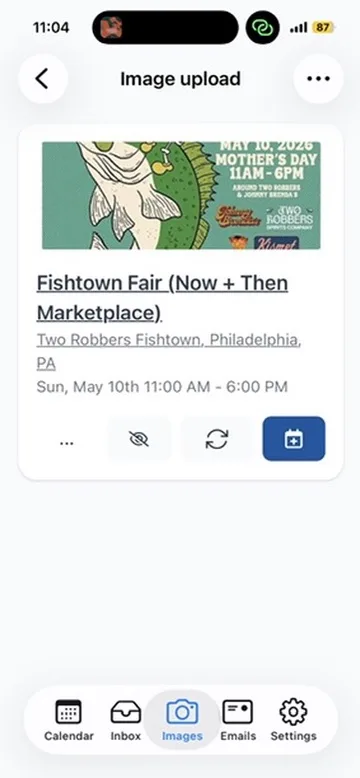
Skim the details, fix anything you want, and you’re ready to save.
Step 4: Add it to your calendar
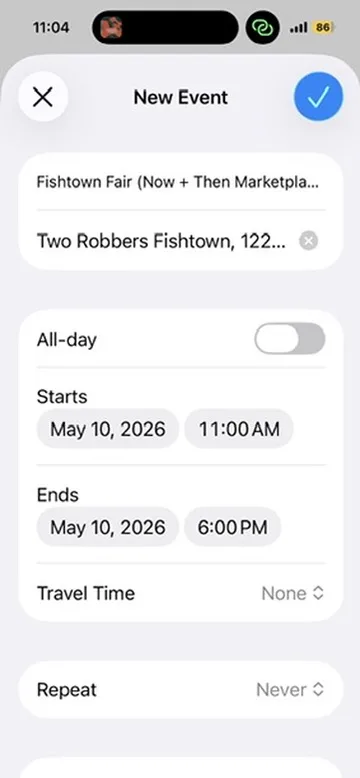
Tap “Add to Calendar” and iOS opens a New Event sheet that’s already complete. One more tap and it’s on your calendar like any other event — with notifications, travel time, and everything else your calendar already does.
Why screenshots are such a good input
So much of what gets shared today is an image of text rather than text itself:
- Instagram stories disappear in a day, and you can’t copy text out of them.
- Group chat invites are usually screenshots of flyers forwarded from someone else.
- Facebook events bury the date and time inside the cover image as often as not.
A screenshot is the universal capture move. Calendar Vision handles the stylized fonts, dark backgrounds, and graphic overlays that trip up plain OCR, so the screenshot is enough — you don’t have to retype anything.
Frequently asked questions
- Can you add an event from an Instagram story to your calendar?
- Instagram stories don't have an add-to-calendar button. Screenshot the story, share the screenshot to Calendar Vision, and it extracts the title, date, time, and location into an event you can add to your calendar.
- Do I need to crop the screenshot first?
- No. Calendar Vision ignores the Instagram interface around the flyer, so you can share the screenshot as-is.
- Does it work with Facebook events and group chat screenshots?
- Yes. Any screenshot that shows event details works, including Facebook posts, group chat invites, and text messages.
- Which calendars does Calendar Vision work with?
- You can add events one at a time to your phone's calendar, or to Google, Outlook, or Yahoo Calendar on the web. You can also subscribe to your Calendar Vision feed in Google Calendar, Apple Calendar, or Outlook so new events sync automatically.