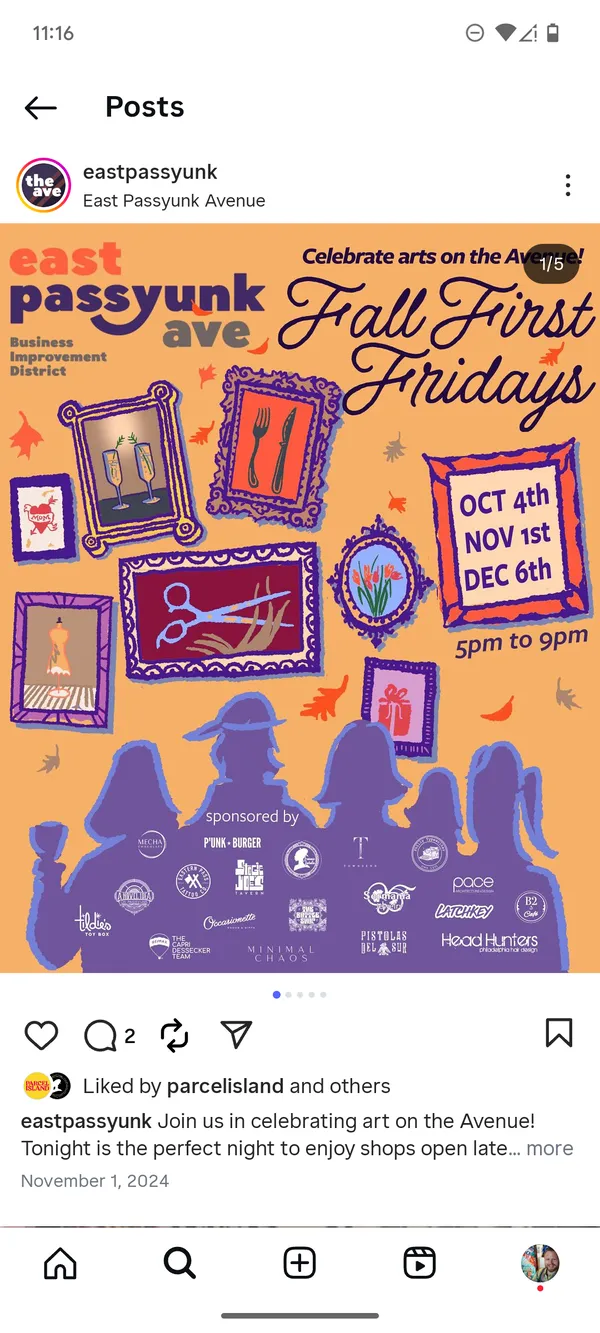
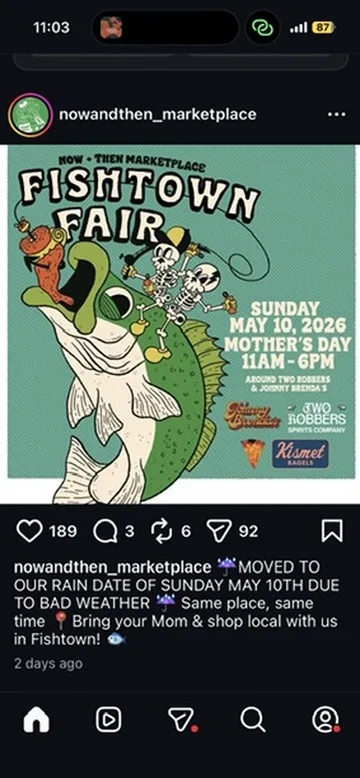
An event email lands in your inbox — a members-only tour from a museum, a newsletter from a local venue, a ticket confirmation for a show next month. You want it on your calendar, but the date and time are buried inside a banner image, a long signature, and a wall of marketing copy.
Forward the email to Calendar Vision and you get back a finished calendar event — title, date, time, and location — without copying a single line.
Step 1: Forward the email
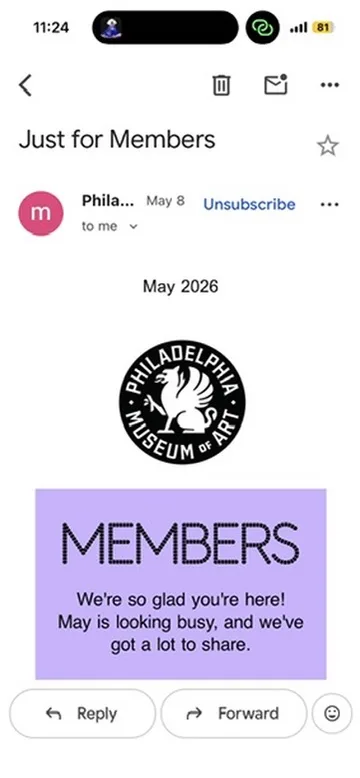
Calendar Vision has a forwarding address you can copy from the app. Open the email in your mail app, hit forward, and send it on from the email address you signed up with — that’s how Calendar Vision knows the event is yours. You don’t need to strip the signature, edit the subject, or describe what’s in it — the whole thing goes over as-is.
Step 2: Calendar Vision reads the email
Calendar Vision renders the forwarded email the way your mail app would and then reads it visually. That matters because event details are almost never plain text anymore — the date sits inside a banner graphic, the venue is part of a styled HTML block, and the time is tucked between footer links. Reading the email as an image catches all of it.
Step 3: Review the extracted event
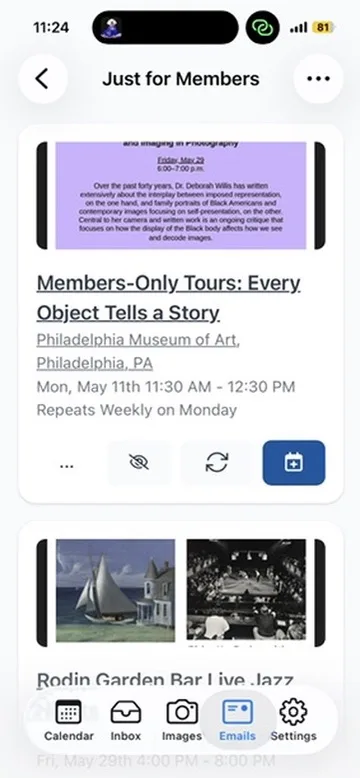
Open the app and the new event is waiting for you with the title, date, time, and location filled in. Skim the details, fix anything you want, and you’re ready to save.
Step 4: Add it to your calendar
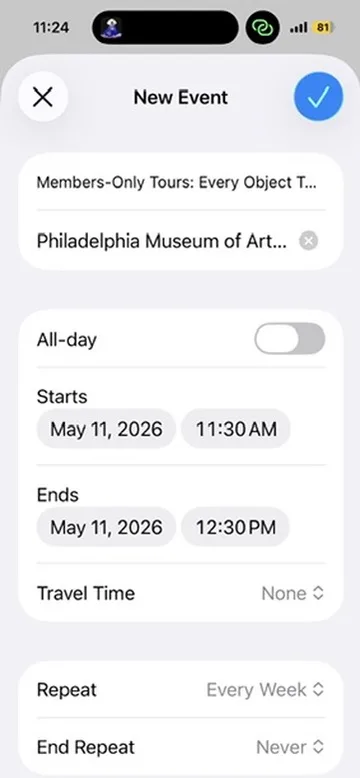
Tap “Add to Calendar” and iOS opens a New Event sheet that’s already complete. One more tap and it’s on your calendar like any other event — with notifications, travel time, and everything else your calendar already does.
Why emails are such a good input
A surprising amount of event information arrives by email, and almost none of it is structured the way a calendar wants it:
- Newsletters and venue announcements put the date inside a banner image so it looks nice in the inbox preview — great for design, terrible for copy-paste.
- Ticket and registration confirmations bury the time between boilerplate, order numbers, and unsubscribe links.
- Forwarded invites from group chats and friends come with quoted threads, “Fwd: Fwd:” subject lines, and signatures that have nothing to do with the event.
Forwarding is the universal move — every mail app has it, and it works the same whether the email came from a museum, a meetup, or a friend. Calendar Vision handles the messy parts so you don’t have to retype anything.
Frequently asked questions
- How do I turn an email into a calendar event?
- Forward the email to the Calendar Vision forwarding address from the email address on your account. Calendar Vision reads the email, extracts the event details, and puts a ready-to-save event in your inbox.
- Where do I find the Calendar Vision forwarding address?
- Open the Emails tab in the Calendar Vision app and copy the address shown there. Forward from the email address you signed up with so Calendar Vision can match the email to your account.
- Does it work when the date is inside an image in the email?
- Yes. Calendar Vision renders the email the way your mail app shows it and reads it visually, so it catches dates and times inside banner images and styled layouts.
- Can I forward emails without an account?
- No. Email forwarding needs a registered account because Calendar Vision matches forwarded emails to you by the sender's address. Without an account you can still upload screenshots and photos.