Photo to calendar converter
Upload a photo of a flyer, poster or printed schedule, or a screenshot of an event post. Calendar Vision reads the title, date, time and place, and turns the picture into calendar events.
Sign up free to convert your photo
JPG, PNG, GIF or PDF. Your first 3 files are free.
Already have an account? Log in
How to turn a photo into a calendar event
- Take a photo of the flyer or poster, or screenshot the post, chat or story with the event in it.
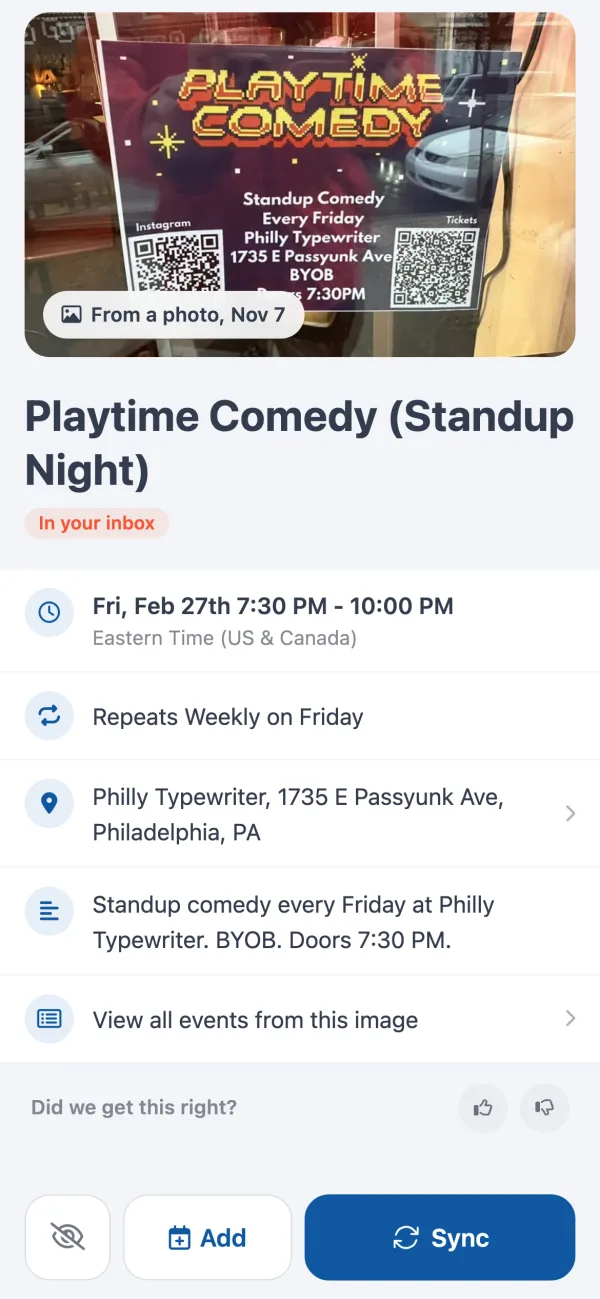
- Upload the picture here. Calendar Vision reads the title, date, time, place and whether it repeats, and makes one event per date.
- Check the events, then add them to Google Calendar, Apple Calendar or Outlook, or download them as an .ics file.
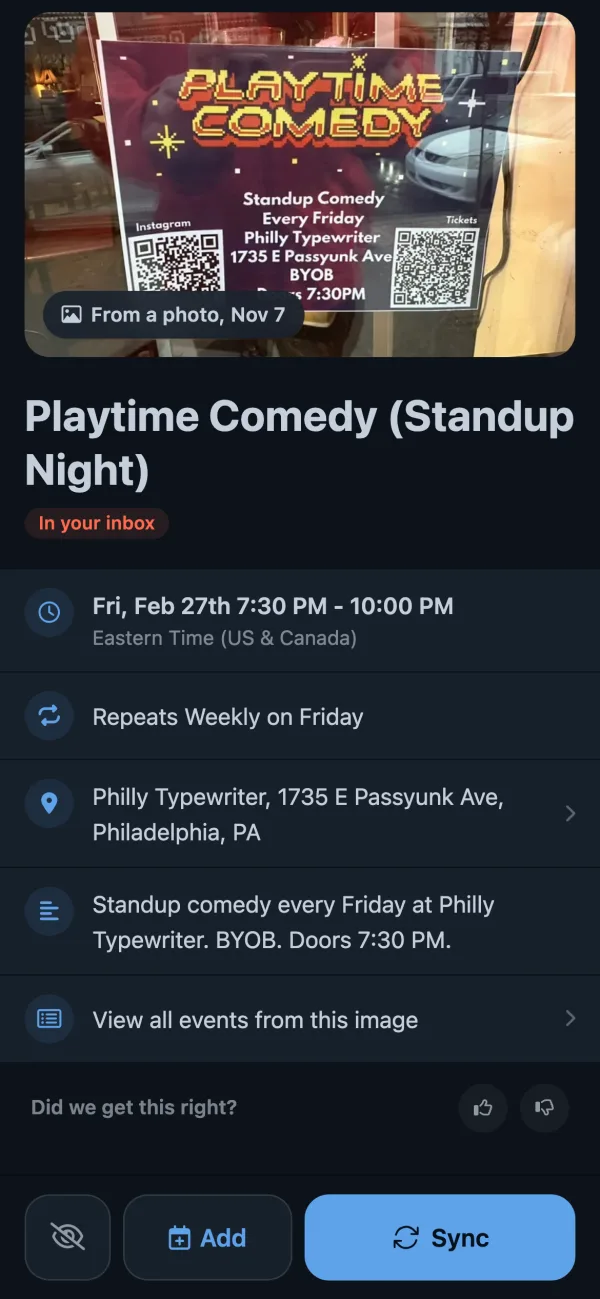
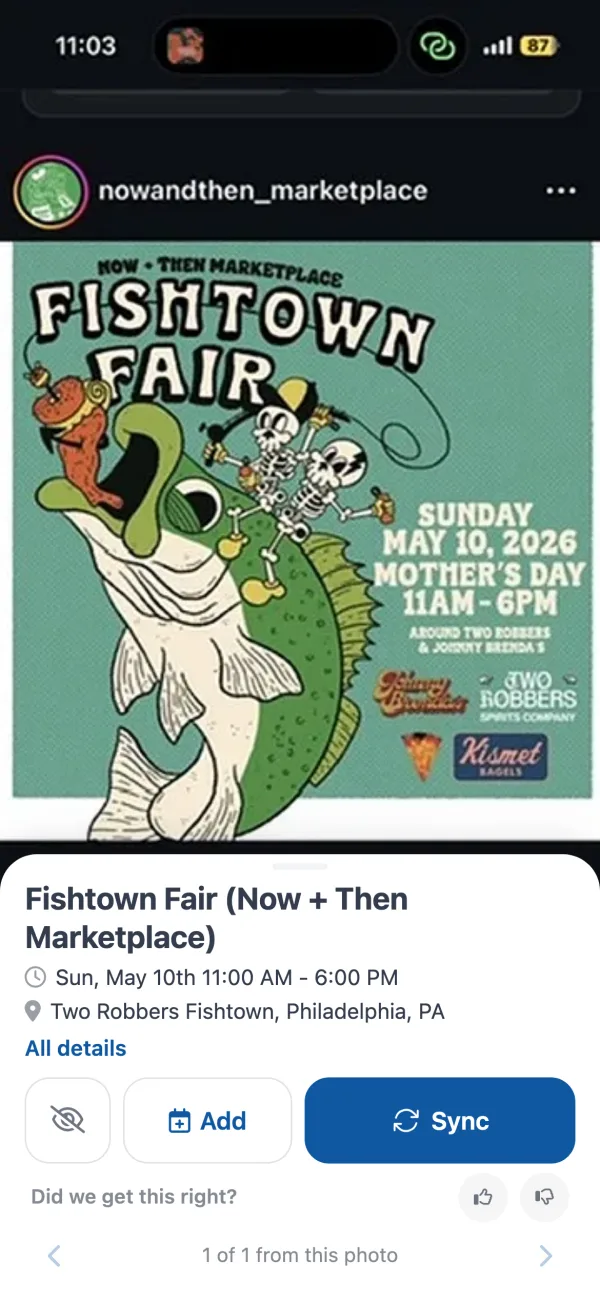
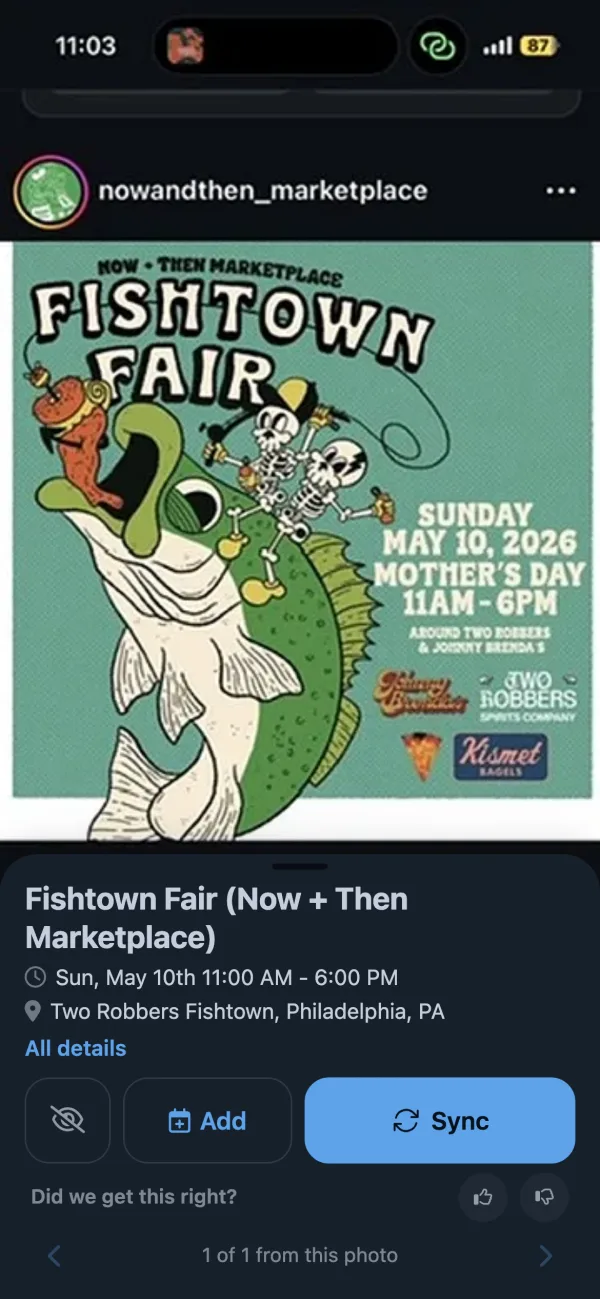
From a photo or a screenshot
From a photo of a flyer
From an Instagram screenshot
Pictures that convert well
- Flyers and posters from a shop window, a bulletin board or the fridge
- Screenshots of Instagram stories, Facebook events and group chats
- Photos of printed school, sports and work schedules
- Invitations, save-the-date cards and appointment cards
- Church bulletins, newsletters and event programs
Tips for a clean read
- Get the whole flyer in the frame and keep the date in focus. You don't need to crop or straighten it.
- A screenshot reads better than a photo of a screen.
- On your phone, share the photo straight to the Calendar Vision app instead of uploading it here.
Questions
- How do I turn a photo into a calendar event?
- Upload the photo on this page. Calendar Vision reads the event's title, date, time and place and makes an event you can add to Google Calendar, Apple Calendar or Outlook, or download as an .ics file.
- Can I add a screenshot to my calendar?
- Yes. Screenshots of Instagram stories, Facebook events, group chats and emails work the same way as photos.
- What if the flyer lists several dates?
- Each date becomes its own event. An event that happens every week, like "every Friday", becomes one repeating event.
- Does it work with a picture of a printed schedule?
- Yes. A photo of a season or school-year schedule becomes one event per date, so the whole schedule goes into your calendar at once.
- Is there a photo to calendar app?
- Yes. Calendar Vision has apps for iPhone and Android. Share a photo or screenshot to the app and the events are ready to review and add.
- Is it free?
- Your first three files are free, with every feature. After that, Calendar Vision Pro costs $3.99 a year or $9.99 once for unlimited files.
Read the full guide to turning a photo into a calendar event
Have a PDF schedule? Use the PDF to ICS converter